Black NovemberThe Complete FEA Training: all 3 courses for $126 instead of $176, until 30 November.See the offer
Courses / ANSA meshing
ANSA BETA-CAE: Complete Meshing Course
From CAD clean-up to shell, solid and hexa meshes that pass quality criteria, plus morphing. You finish by meshing a full CrossKart vehicle.
One payment in US dollars. You go straight to checkout.
Course presentation
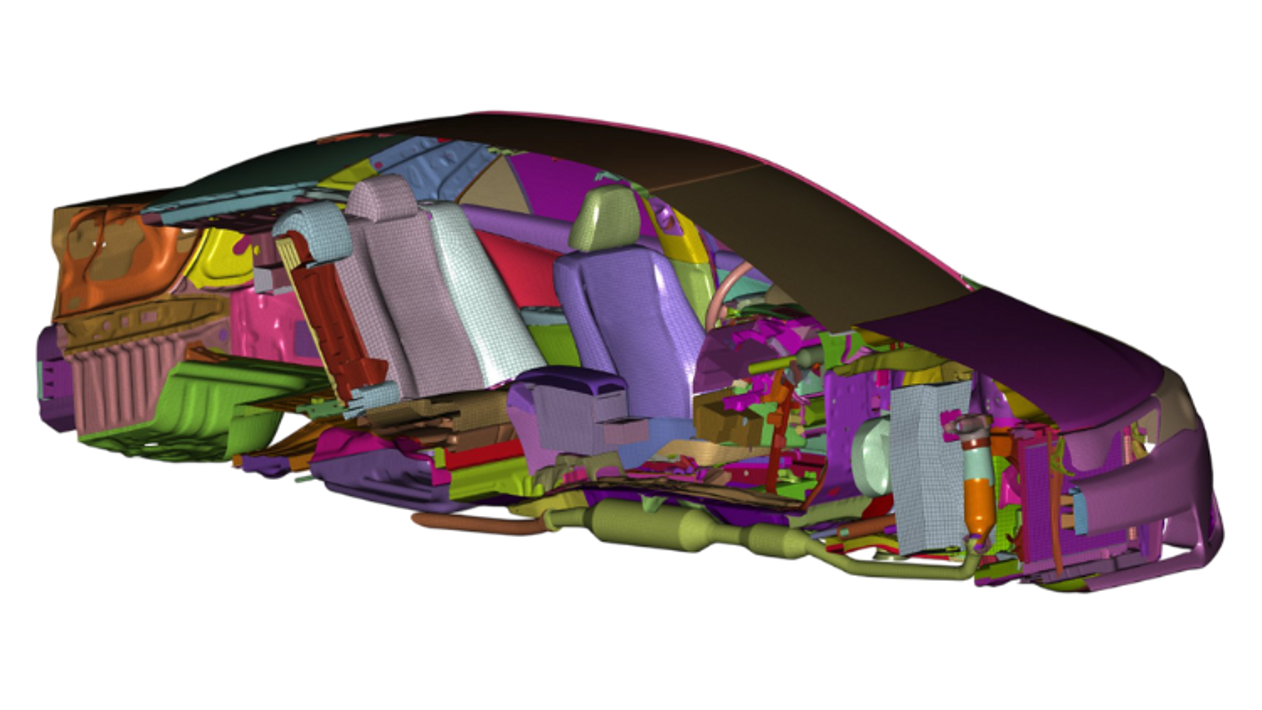
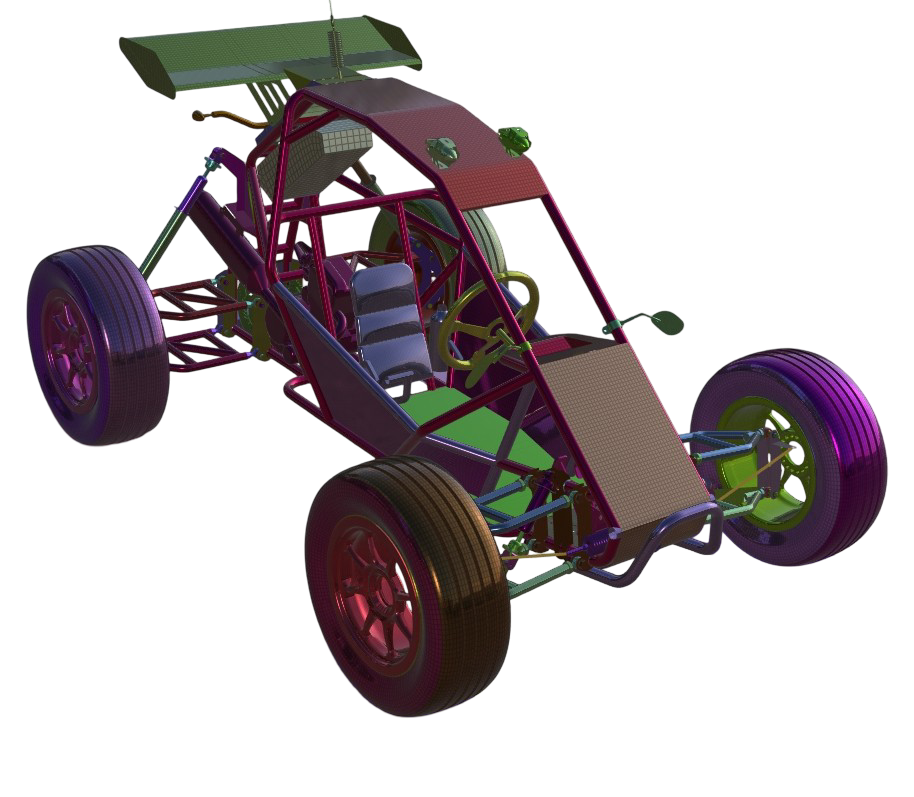
Illustrative full-vehicle mesh. Not a course exercise.
Why meshing matters
In industry, preparing geometry and building quality meshes takes much of a CAE engineer's time. ANSA is the tool many CAE teams use for it, and knowing it well is a skill that shows on day one.
What you will learn
Each module shows the tool, then applies it to a real part, with quality criteria active.
Repair imported CAD and prepare it for meshing, so poor elements never appear.
Build shell meshes that pass defined quality criteria, and understand what each criterion means.
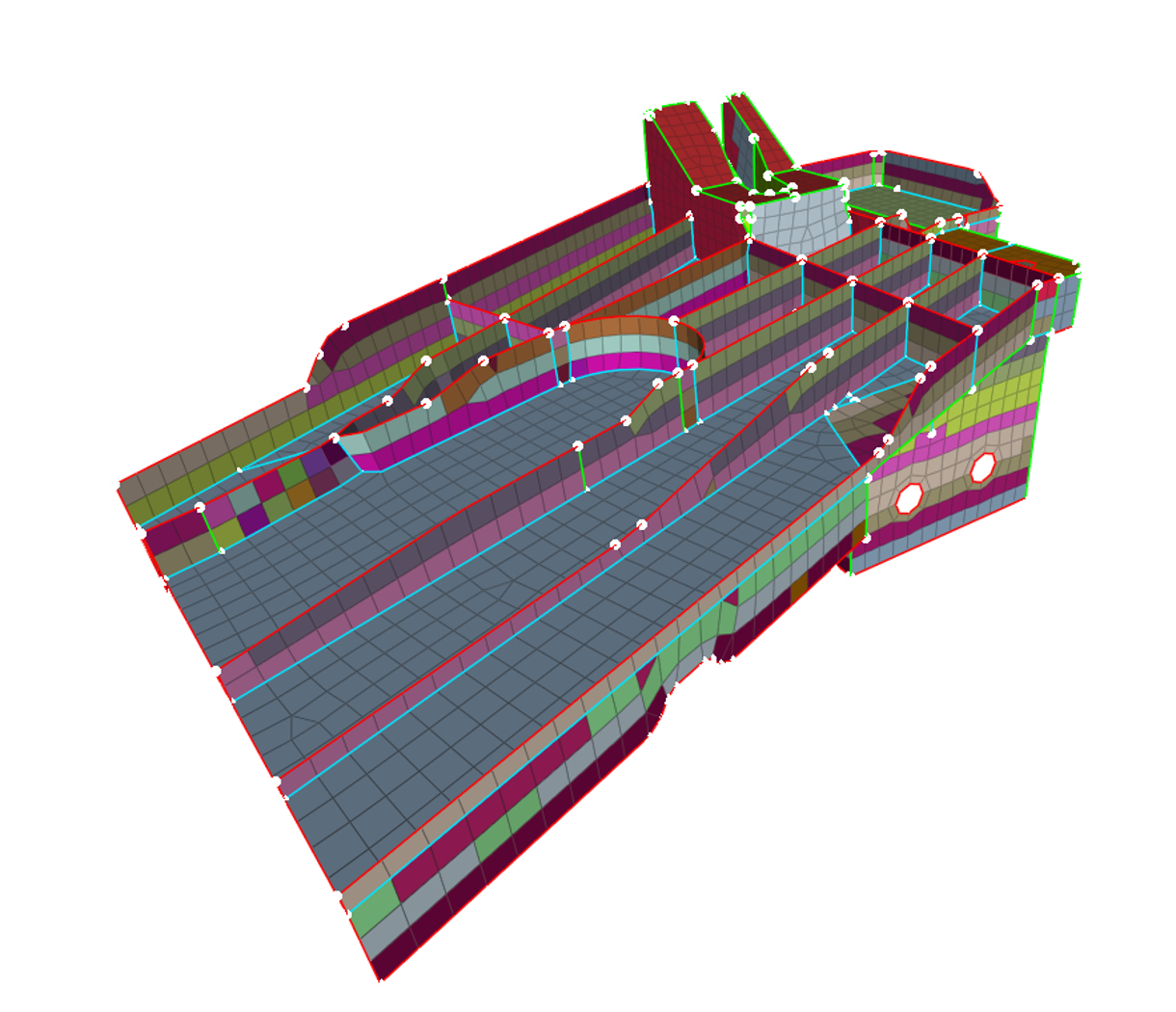
Extract middle surfaces automatically from thin folded sheets and mesh them with shells.
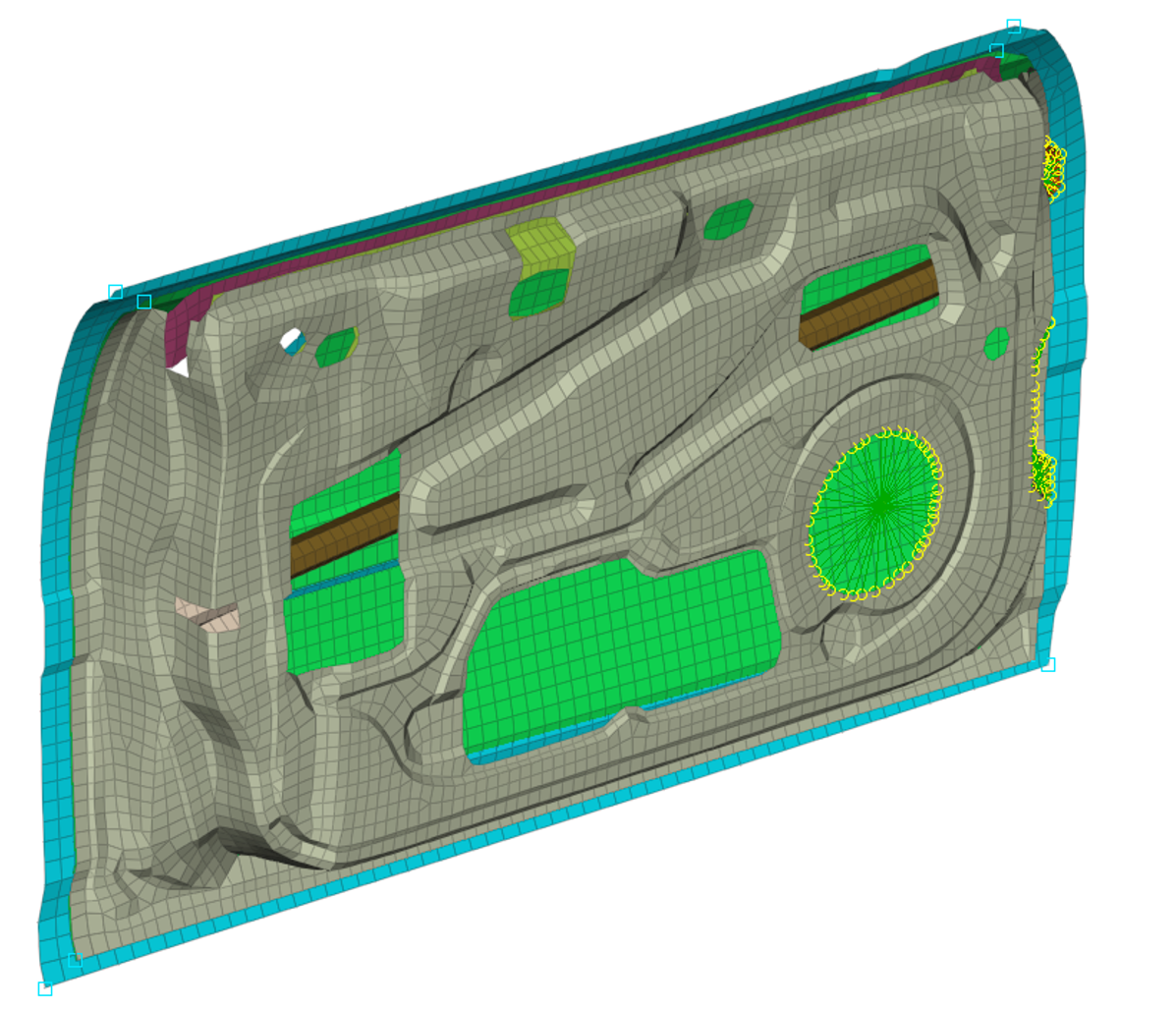
Use the Casting and Align Manager tools to mesh complex plastic parts with quality criteria active.
Batch solid meshing, unstructured tetra meshes, the Map tool and the Hexa Block tool for structured hexas.
Change a mesh without new CAD: direct morphing, morphing boxes and design changes.
Real parts
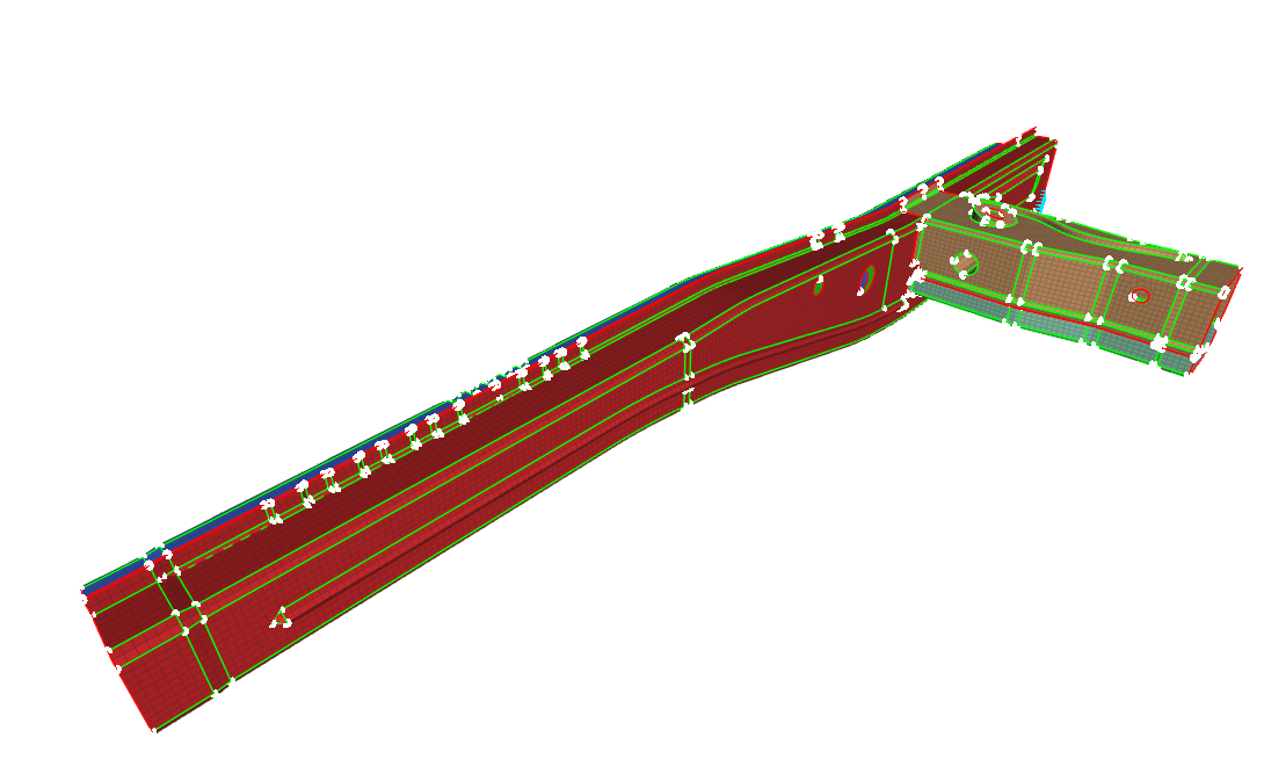
You work on the kind of parts CAE teams mesh every day: trim panels, plastic parts and chassis members.
Final project
Put every tool together on a complete vehicle, from the CAD file to a mesh ready for analysis. The CAD file is included.
Course content
Shell meshing first, then solids, then morphing and the final project.
Part 1
Part 2
Part 3
Software
Getting a license: use your university's academic license, your company's license, or ask your local ANSA reseller for a trial license.
Requirements
New to FEA? Start with the Linear FEA course, or get all three in the Complete FEA Training.
Who this course is for
Who want stronger ANSA meshing and morphing skills.
Working with thin sheets, plastic parts and complex geometry.
With basic FEA knowledge, who want an industry skill on their CV.
That want to automate their meshing workflow.
Starting with ANSA, or filling the gaps in what they already know.

Your instructor
Senior CAE Engineer · CAE Manager · Founder of LearnFEA
Renato manages a CAE team that meshes all types of vehicle parts in ANSA, mainly complex plastic components, and he trains that team with his courses. He also writes Python scripts that automate model building in ANSA. About 7,500 students have taken his FEA courses.
It was an amazing course. Everything was explained in such detail. Really helpful and easy to understand.
The classes are very good. I was able to review everything I had already learned, in addition to learning new things. Thank you, Renato.
Excellent FEA course. Regret not having met sooner.
The full path
Combine ANSA with the theory and the analysis: Linear FEA, then Nonlinear FEA, then meshing.
Also available
Plasticity, large deformations, contact and buckling, ending with a full-vehicle model in Abaqus, ANSA and META.
Black November · Complete FEA Training
Linear FEA, Nonlinear FEA and ANSA meshing. Bought separately they cost $206.
FAQ
82 video lessons and a full-vehicle project, with lifetime access and a certificate.
