Black NovemberThe Complete FEA Training: all 3 courses for $126 instead of $176, until 30 November.See the offer

Courses  /  Linear FEA

The Finite Element Method for Linear Structural Analysis

Understand FEA from the first element

Derive every element type by hand, from springs to shells, and check each one in an Abaqus workshop. No FEA background needed.

60 hours12 modules10 workshopsAbaqusCertificate
$50Lifetime access · 7-day refund
Enroll now

One payment in US dollars. You go straight to checkout.

Course presentation

What you will learn

Stop treating FEA software as a black box

Each element is explained in a simple way, then tested in the solver, so you know what the software does with your model.

01

Element formulation

Spring, bar, truss and beam elements, derived step by step: stiffness matrix, assembly and boundary conditions.

02

Continuum elements

Plane stress triangles, plane strain rectangles, 3D tetrahedra and shell elements.

03

Isoparametric formulation

Four-node quadrilaterals, the Jacobian matrix and Gaussian quadrature.

04

What goes wrong, and why

Shear locking, hourglass modes, incompatible-mode elements and numerical singularities.

05

Energy methods and solvers

Strain energy, Castigliano's theorem, minimum potential energy, Gauss elimination, LU and Gauss-Seidel.

06

The complete FEA process

Pre-analysis, model setup, verification against theory, convergence studies and post-processing in Abaqus.

Hands-on workshops

10 workshops, each tied to the theory

Every workshop follows the full FEA process, the same way you would work on a real project.
Problem specificationPre-analysisModel setupVerification against theoryPost-processing
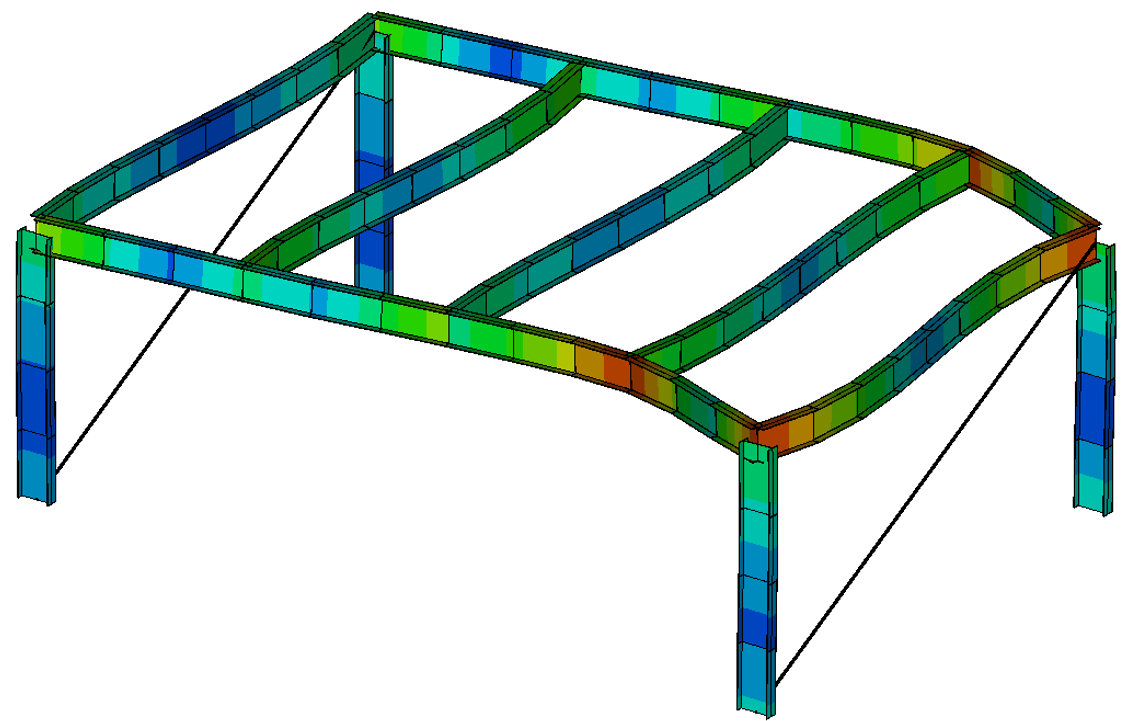
Mezzanine frame model with stress results
Mezzanine frame
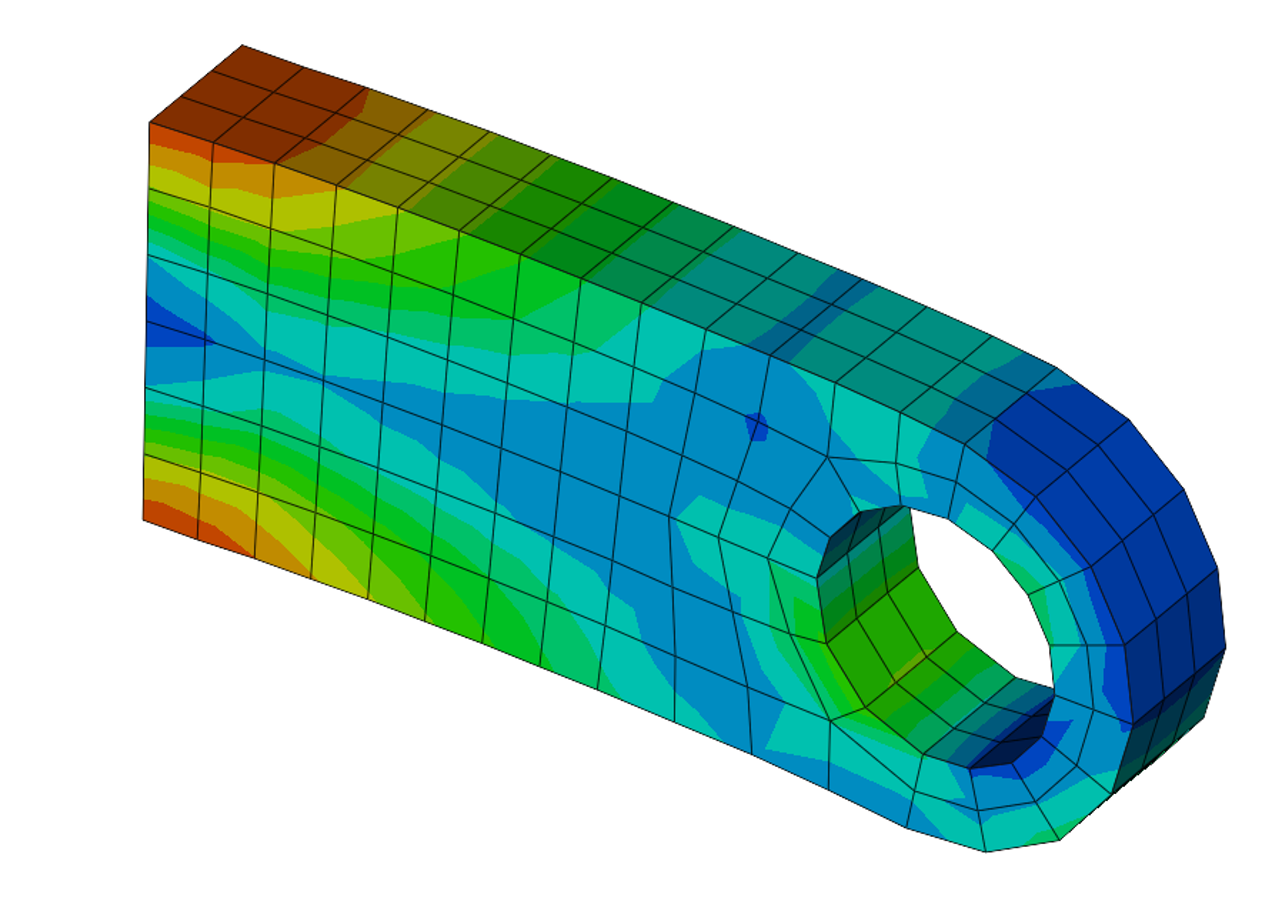
Connecting lug meshed with hexahedral solid elements
Connecting lug, hexahedral elements
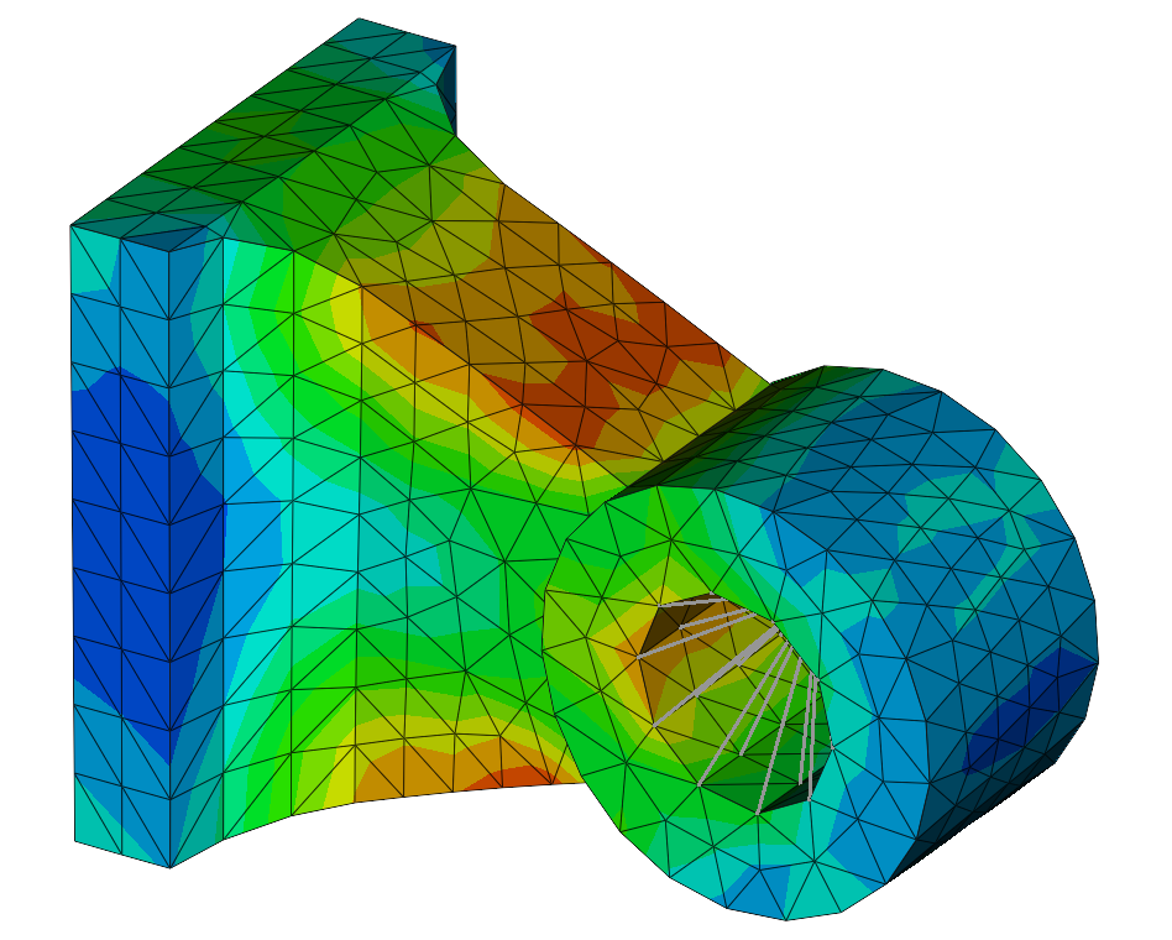
Lug with complex geometry meshed with tetrahedral elements
Complex lug, tetrahedral elements
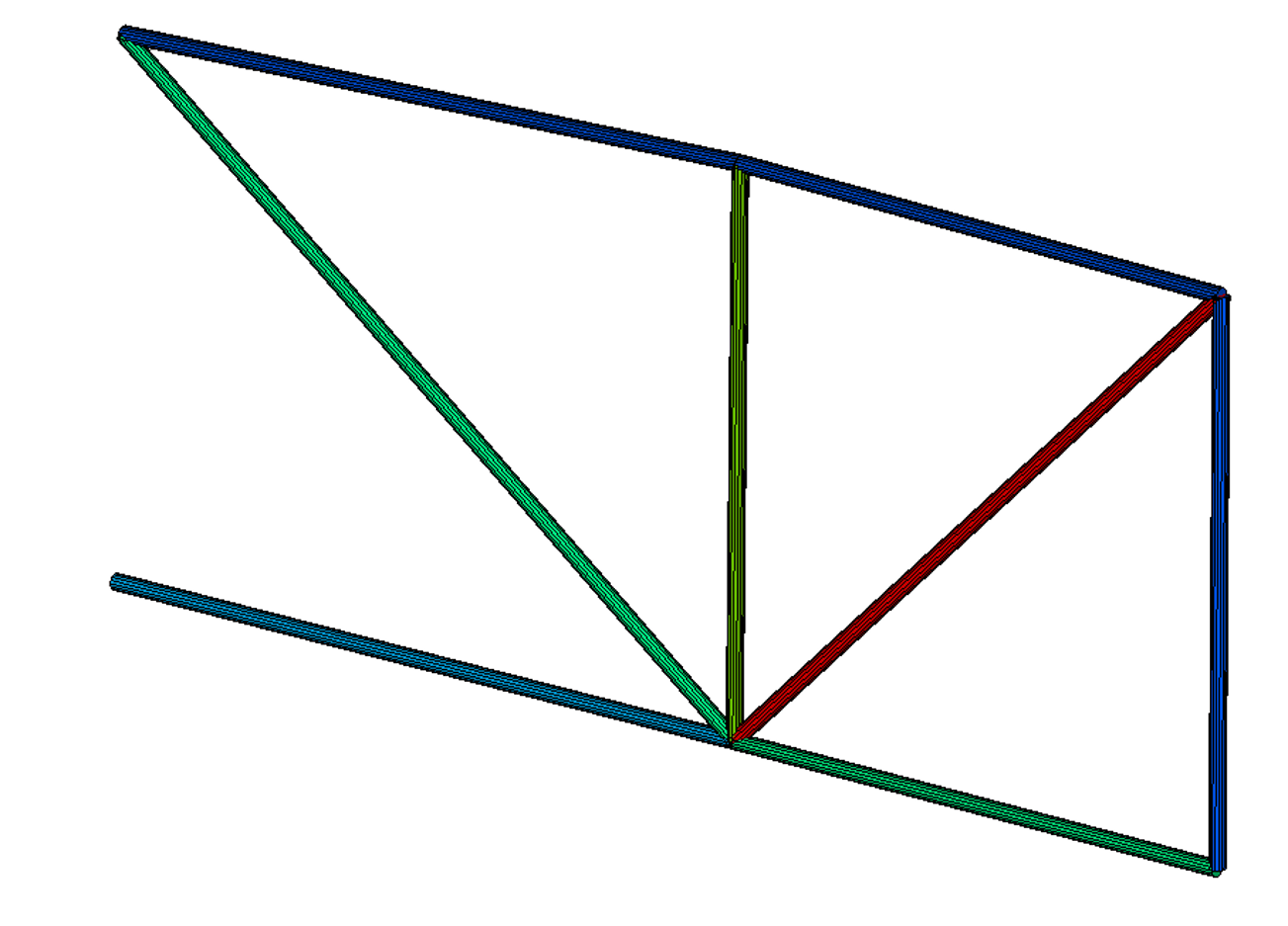
Truss structure model
Truss structure
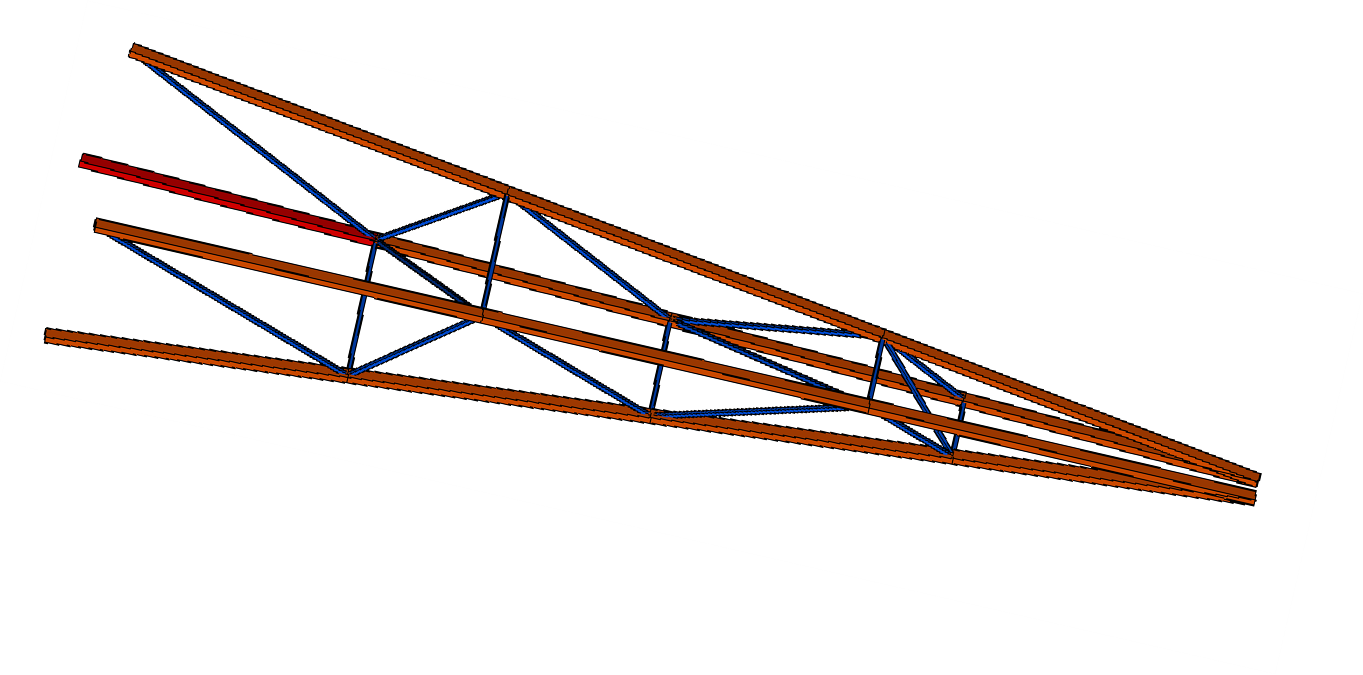
Beam structure model
Beam structure
  1. Workshop 01Connecting lugYour first model, with a convergence study
  2. Workshop 02Spring elementGoverning equations and the input file
  3. Workshop 03Bar elementPost-processing and the input file
  4. Workshop 04Truss structureBoundary value problem setup
  5. Workshop 05Beam structureStress and displacement analysis
  6. Workshop 06Plane stressSymmetry and convergence
  7. Workshop 07Plane strainShear locking and hourglass modes
  8. Workshop 08Isoparametric elementQuadrilateral element model
  9. Workshop 093D solidSolid elements and post-processing
  10. Workshop 10Skew plateShell elements

Course content

12 modules, one element at a time

Videos, exercises and workshops, in the order you need them.

Part 1

Line elements and the basics

  1. 01
    Introduction to FEAWith the Abaqus installation guide
    15 lessons
  2. 02
    Linear elastic spring elementSystem assembly in global coordinates
    12 lessons
  3. 03
    Elastic bar elementStrain energy, Castigliano, minimum potential energy
    17 lessons
  4. 04
    Truss structuresElement transformation, 2D and 3D trusses
    20 lessons
  5. 05
    Beam elementDistributed loads, axial loading, 3D beams
    21 lessons
  6. 06
    Equations of elasticityStrain-displacement, stress-strain, equilibrium
    4 lessons

Part 2

Continuum and shell elements

  1. 07
    Matrix mathematics and solversGauss elimination, LU, Gauss-Seidel
    7 lessons
  2. 08
    Plane stressConstant strain triangle, distributed loads, body forces
    16 lessons
  3. 09
    Plane strainFour-node rectangle, Gaussian quadrature
    12 lessons
  4. 10
    Isoparametric formulationFour-node quadrilateral, Jacobian singularity
    8 lessons
  5. 11
    3D stress elementsTetrahedra, failure theories
    10 lessons
  6. 12
    Shell elementsPlate and shell formulation
    5 lessons

See every lesson in the full curriculum

Software

The tool you will use

  • Abaqus/CAE Student EditionFree · installation guide included
  • Abaqus input filesRead and edit them by hand

Requirements

Before you start

  • Basic math and physics
  • Mechanics of materials
  • Willingness to go deep into the theory and practice it

No previous FEA experience is needed.

Who this course is for

For anyone who wants to really understand FEA

Engineering students

Mechanical, civil, aerospace and materials students, undergraduate and graduate.

Engineering professionals

Engineers who want to understand what commercial FEA software does inside.

Researchers

Anyone who uses finite element analysis in research projects.

Career changers

Engineers moving into automotive, aerospace, structural design or manufacturing.

Curious learners

Anyone interested in the theory behind engineering simulation.

Renato Carvalho, instructor

Your instructor

Renato Carvalho

Senior CAE Engineer · CAE Manager · Founder of LearnFEA

Renato manages a CAE team that runs durability, strength, stiffness and explicit dynamic simulations, and he trains that team with his courses. His master's research developed a finite element modeling strategy for bolted connections. About 7,500 students have taken his FEA courses.

This is an excellent course for learning FEA without any prior knowledge. I can thoroughly recommend it, because each section contains a very well explained and digestible theory part and also practical exercises where you can learn to use Abaqus.

DDorián LászlóStudent

Really well thought out and explained course to introduce the learner into the world of linear FEA for structural analysis. I'll be moving on to his non-linear FEA course now.

GGabrielStudent

It's an absolutely clear and detailed course. The instructor explains everything logically, which helped me fill all the gaps in my understanding.

BBarışStudent

Slow and steady narration, which is easy to understand for a beginner.

SSureshStudent

It was an amazing course. Everything was explained in such detail. Really helpful and easy to understand.

HHiranmayeeStudent

The classes are very good. I was able to review everything I had already learned, in addition to learning new things. Thank you, Renato.

NNicholas Cunha PeresStudent

After this course

Keep going with the full path

Linear FEA is the first step. The next ones take you to nonlinear analysis and industrial meshing.

FAQ

Questions before you enroll

Do I need FEA experience to start?
No. The course starts from the spring element and builds up step by step. Basic math, physics and mechanics of materials are enough.
Which software do I need?
Abaqus. You can follow the workshops in the free Abaqus/CAE Student Edition, and the course shows you how to install it.
Is the course in English?
Yes. All lessons are in English.
How long do I have access?
Lifetime access. Study at your own pace.
Do I get a certificate?
Yes, a certificate of completion when you finish the course.
What should I take after this course?
The Nonlinear FEA course, then ANSA meshing. You can get all three in the Complete FEA Training.
What if the course is not right for me?
You can ask for a refund within 7 days of purchase.
How does payment work?
One payment in US dollars. There are no installments.

Start learning FEA the right way

60 hours of theory and 10 Abaqus workshops, with lifetime access and a certificate.